
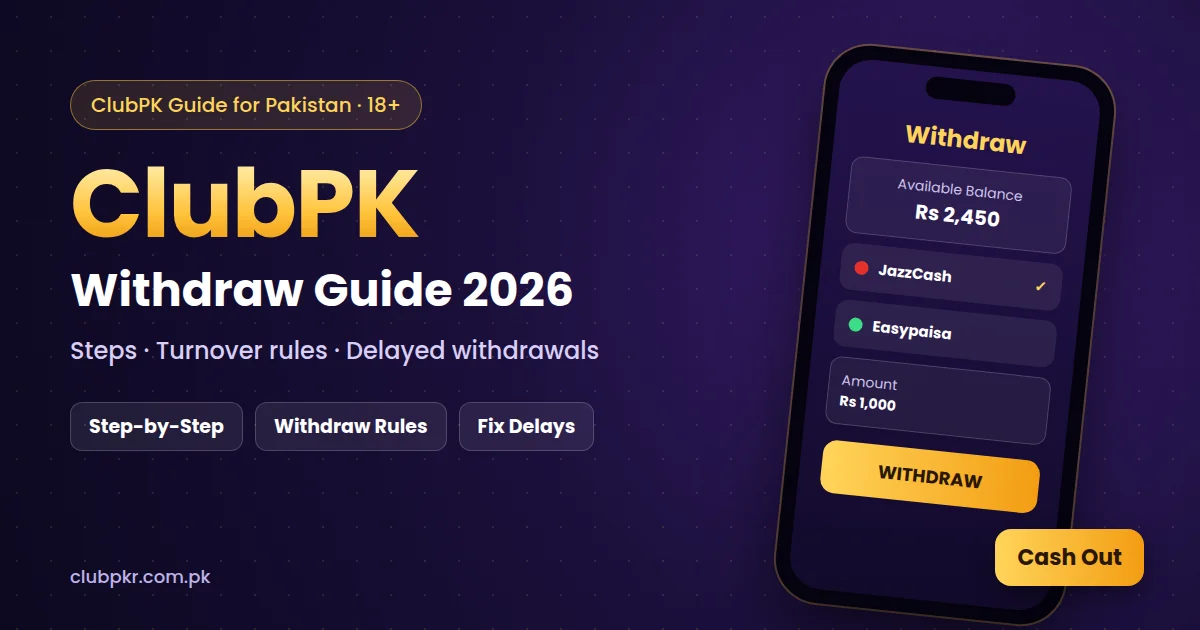
Withdrawals are the part of Clubpkr that players ask about most. This ClubPK withdraw guide explains the steps to cash out, the rules that decide whether a withdrawal is approved, and what to do if your money is delayed or rejected.
18+ only. Real-money games involve risk, and winnings are never guaranteed. Withdrawal times depend on the payment method and the platform’s own checks.
ClubPK Withdraw: Step-by-Step
- Complete your ClubPK login.
- Open the Wallet section and tap Withdraw.
- Add your JazzCash, Easypaisa or bank account the first time (use an account in your own name).
- Enter an amount above the minimum withdrawal limit shown in the app.
- Check the details and confirm the request.
- Track the status in your withdrawal history until it shows as paid.
ClubPK Withdraw Methods
- JazzCash: cash out to your JazzCash mobile account.
- Easypaisa: cash out to your Easypaisa account.
- Bank transfer: available on some accounts and often slower than mobile wallets.
ClubPK Withdraw Rules to Know
Turnover requirement
If you accepted a deposit bonus, you usually need to play a set amount (turnover) before you can withdraw. Until the turnover is complete, the withdraw button may be locked or your request may be rejected.
Minimum withdrawal
Each method has a minimum amount. Check the current limit in the Wallet section, because it can change.
Account details must match
The name on your JazzCash, Easypaisa or bank account should match your ClubPK account details. Mismatched names are a common reason for rejected withdrawals.
Why Is My ClubPK Withdrawal Delayed or Rejected?
- The turnover requirement on a bonus is not complete.
- The amount is below the minimum withdrawal.
- The wallet number or account details are wrong.
- The payment system is busy or under maintenance.
- Your account is under review after unusual activity.
What to Do If Your Withdrawal Is Not Paid
- Check the status in your withdrawal history.
- Make sure your wallet number and name are correct.
- Wait for the normal processing time before raising a complaint.
- Contact ClubPK support inside the app with your request ID, amount and time.
- Do not pay any “unlock fee” to people who message you, because this is a common scam.
ClubPK Withdraw Safety Tips
- Withdraw winnings regularly instead of keeping large balances in the app.
- Never share your OTP, PIN or password.
- Only use the official app and avoid modded files (read our ClubPK hack APK warning).
- Set a budget and stop when you reach it.
How to Check Your ClubPK Withdraw History
Open the Wallet section and go to the withdrawal or transaction history. Each request shows its amount, method, time and status, such as pending, processing, paid or rejected. If a request is rejected, the reason is often shown next to it, which tells you what to fix before you try again.
Tips for a Smoother ClubPK Withdraw
- Complete any bonus turnover before you request a withdrawal.
- Double-check your wallet number before you confirm.
- Use one payment method consistently for deposits and withdrawals.
- Avoid sending many requests at once, because duplicate requests can slow things down.
FAQs
How long does a ClubPK withdrawal take?
It depends on the method and on platform checks. Mobile wallets are usually faster than bank transfers, but some requests take longer.
Can I withdraw bonus money?
Usually only after you complete the turnover requirement linked to the bonus. Check the bonus terms in the app.
Can I withdraw to someone else’s account?
It is safer to use an account in your own name, because mismatched details can cause rejections.
How do I add money again?
See our ClubPK deposit guide for JazzCash, Easypaisa and bank deposits.