
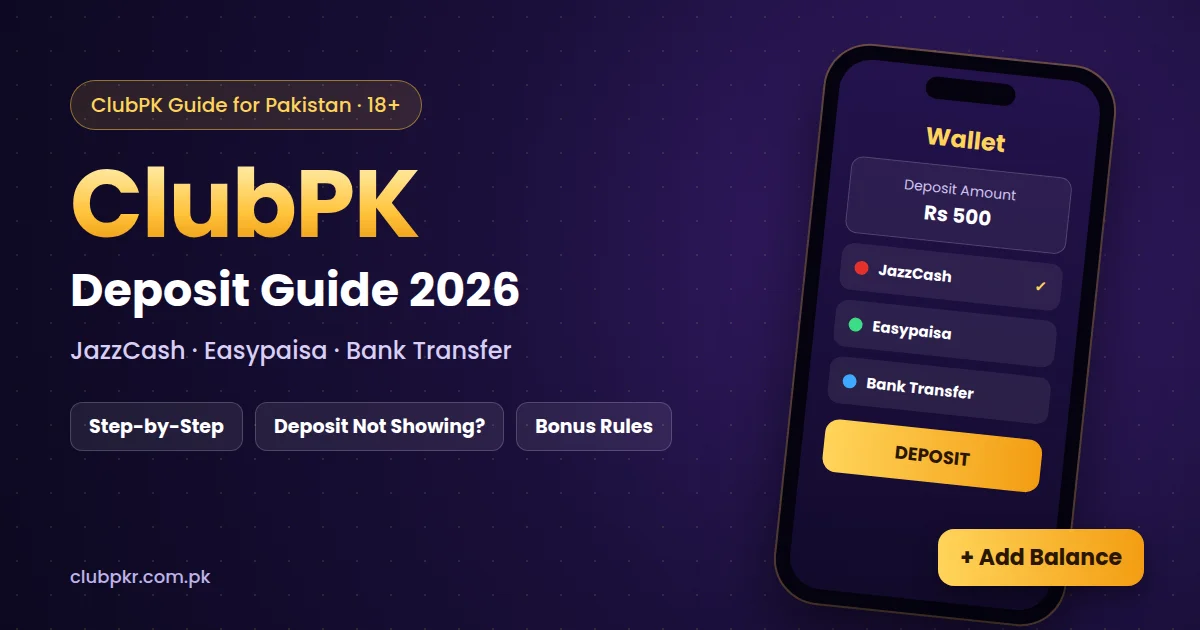
This ClubPK deposit guide explains how to add money to your Clubpkr wallet, which payment methods you can use, and what to do if your deposit does not show in your balance.
18+ only. Real-money games involve risk. Only deposit money you can afford to lose, and set a budget before you play.
ClubPK Deposit: Step-by-Step
- Complete your ClubPK login.
- Open the Wallet section and tap Deposit.
- Choose a payment method such as JazzCash, Easypaisa or bank transfer.
- Enter the amount you want to deposit (a minimum amount applies; check it in the app).
- Complete the payment in your mobile wallet or banking app.
- Enter the transaction ID (TID) in ClubPK if the app asks for it.
- Wait for your balance to update, then check whether a first deposit bonus is available.
New to the app? First download the Clubpkr APK and create your ClubPK account.
ClubPK Deposit Methods
- JazzCash: pay from your JazzCash mobile account in PKR.
- Easypaisa: pay from your Easypaisa account in PKR.
- Bank transfer: available on some accounts; it can take longer than mobile wallets.
The methods shown in the app can change, so always use the options listed inside your ClubPK wallet at the time you deposit.
ClubPK Deposit Not Showing? What to Do
Most deposits appear within a few minutes, but some take longer. If your ClubPK deposit is not showing:
- Check that the money actually left your JazzCash, Easypaisa or bank account.
- Make sure you entered the correct transaction ID (TID) and amount.
- Wait a little longer, as payment systems are sometimes slow at busy times.
- Do not pay again for the same deposit, because this can create two pending payments.
- Contact ClubPK support inside the app with your TID, amount, time and a screenshot of the payment.
First Deposit Bonus and Turnover Rules
ClubPK may add a bonus to your first deposit. Bonuses usually come with a turnover requirement, which means you must play a certain amount before you can withdraw. Read the bonus terms in the app before you accept a bonus, and see our Club PK Reward Centre guide for rebates and VIP rewards.
ClubPK Deposit Safety Tips
- Only deposit through the official app, never by sending money to a person on WhatsApp or Telegram.
- Never share your wallet PIN or OTP with anyone.
- Keep a screenshot of every payment and its transaction ID.
- Set a weekly limit and stick to it.
- Avoid modded or hacked versions of the app (read our ClubPK hack APK warning).
ClubPK Deposit Limits and Fees
ClubPK sets a minimum and sometimes a maximum amount for each deposit method. These limits can change, so check the Wallet screen before you pay. ClubPK itself usually does not charge a fee for deposits, but your mobile wallet or bank may apply its own transaction charges, so check your JazzCash, Easypaisa or bank app as well.
How to Check Your ClubPK Deposit History
Open the Wallet section and look for the deposit or transaction history. Each deposit should show its amount, time and status. If a deposit is marked as pending for a long time, keep your transaction ID ready and contact support from inside the app.
FAQs
What is the minimum ClubPK deposit?
The minimum deposit is shown in the Wallet section of the app and can change, so check it there before you pay.
How long does a ClubPK deposit take?
Mobile wallet deposits are usually quick. Bank transfers and busy periods can take longer.
Can I deposit without a bank account?
Yes, you can use a mobile wallet such as JazzCash or Easypaisa if it is listed in the app.
How do I withdraw after depositing?
Follow our ClubPK withdrawal guide, which also covers turnover rules and delayed withdrawals.